


Microsoft 365
Find approved content in supported PowerPoint and Word workflows. Bring selected source files into Pickit from SharePoint and OneDrive.
Give employees and partners approved images, slides and campaign content in the apps they use, through connected AI assistants and in branded portals.
Illustrative PowerPoint mockup with sample content. Start with a blank slide, search for a slide template in the Pickit add-in and insert it. Then search for an approved image and insert it into the slide.
In good company. Across teams, brands and industries.













Upload and organize your content in Pickit, or connect existing sources. Put approved material to work in your apps, alongside desktop tools and through connected AI apps.

Upload and manage your content
Let employees sign in with their existing Microsoft work accounts and let IT deploy the Office add-in centrally.
Find approved content in supported PowerPoint and Word workflows. Bring selected source files into Pickit from SharePoint and OneDrive.
Let people sign in to Pickit with their existing Microsoft work accounts through single sign-on.
Hosted on Microsoft Azure, with encrypted connections to protect data in transit.
Search your Pickit library inside PowerPoint and insert the slides and images your team has prepared.
Explore PowerPoint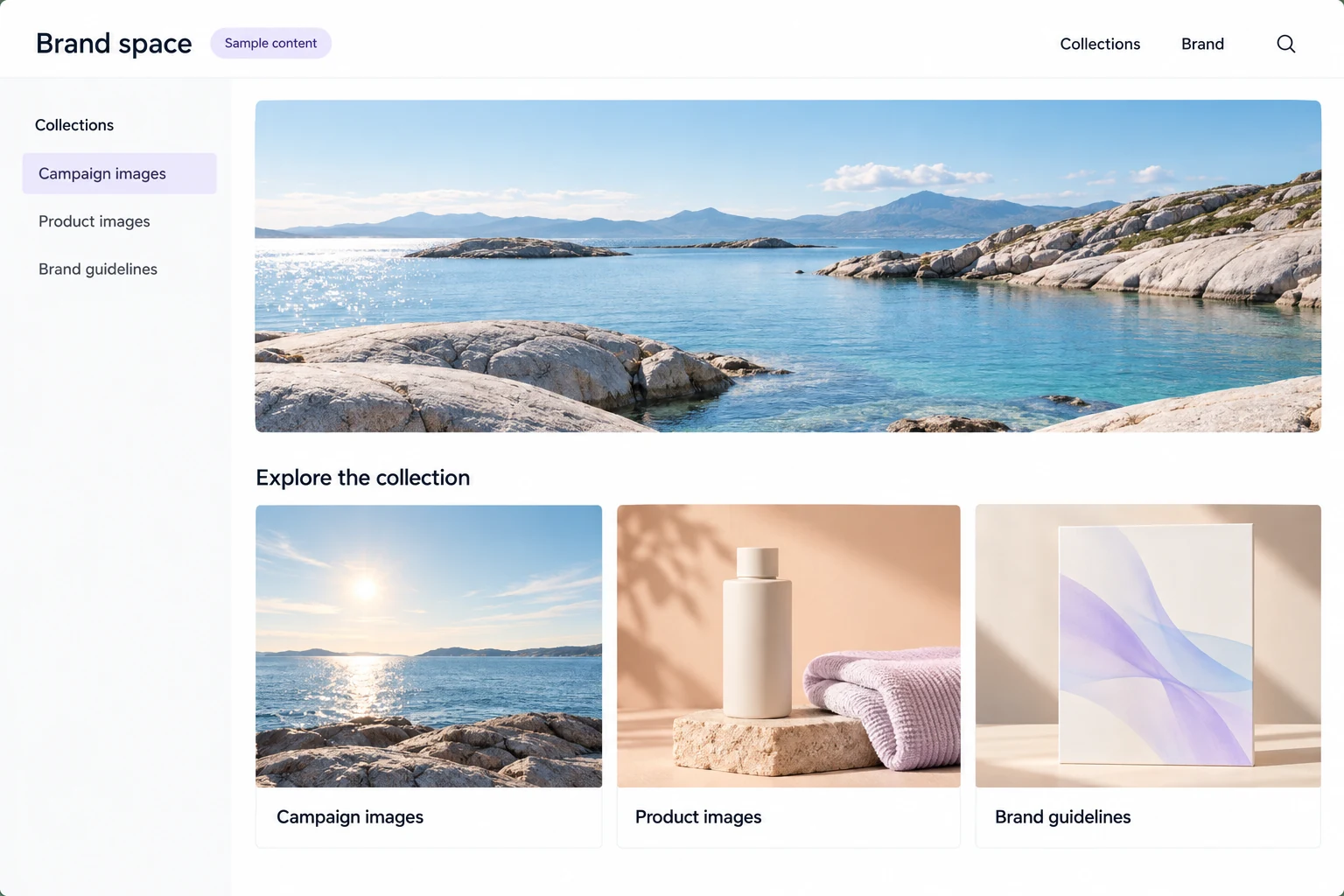
Share campaign files, product images and brand guidelines through a portal for your partners and dealers.
Explore brand portals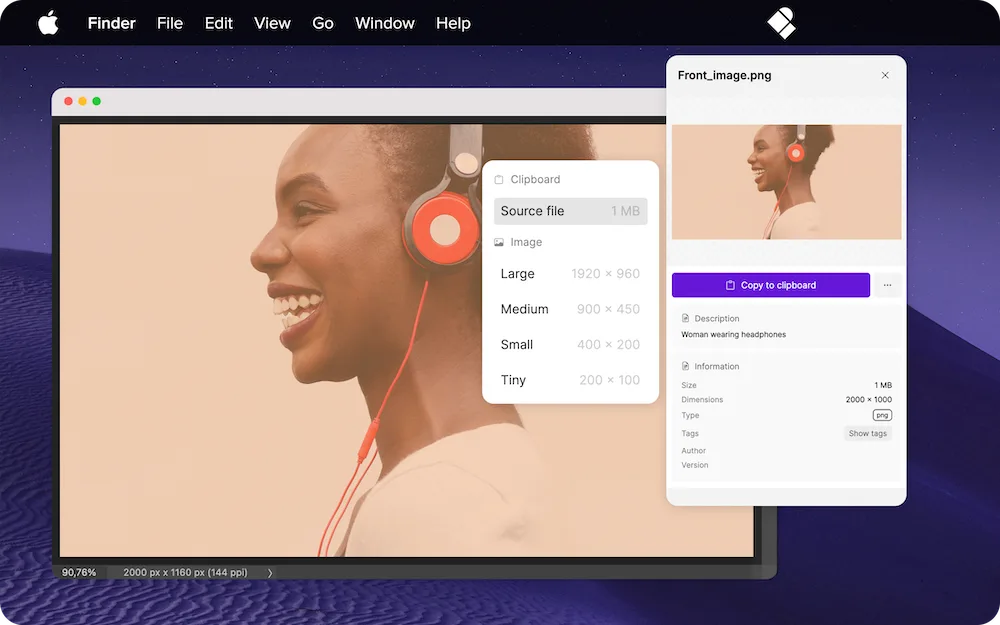
Open the Pickit desktop app alongside your design tools to find images and other material in your brand library.
Explore the desktop appOrganize images, presentations and guidance—or connect supported sources. Prepare the content around your brands, teams and campaigns, with access for each audience.
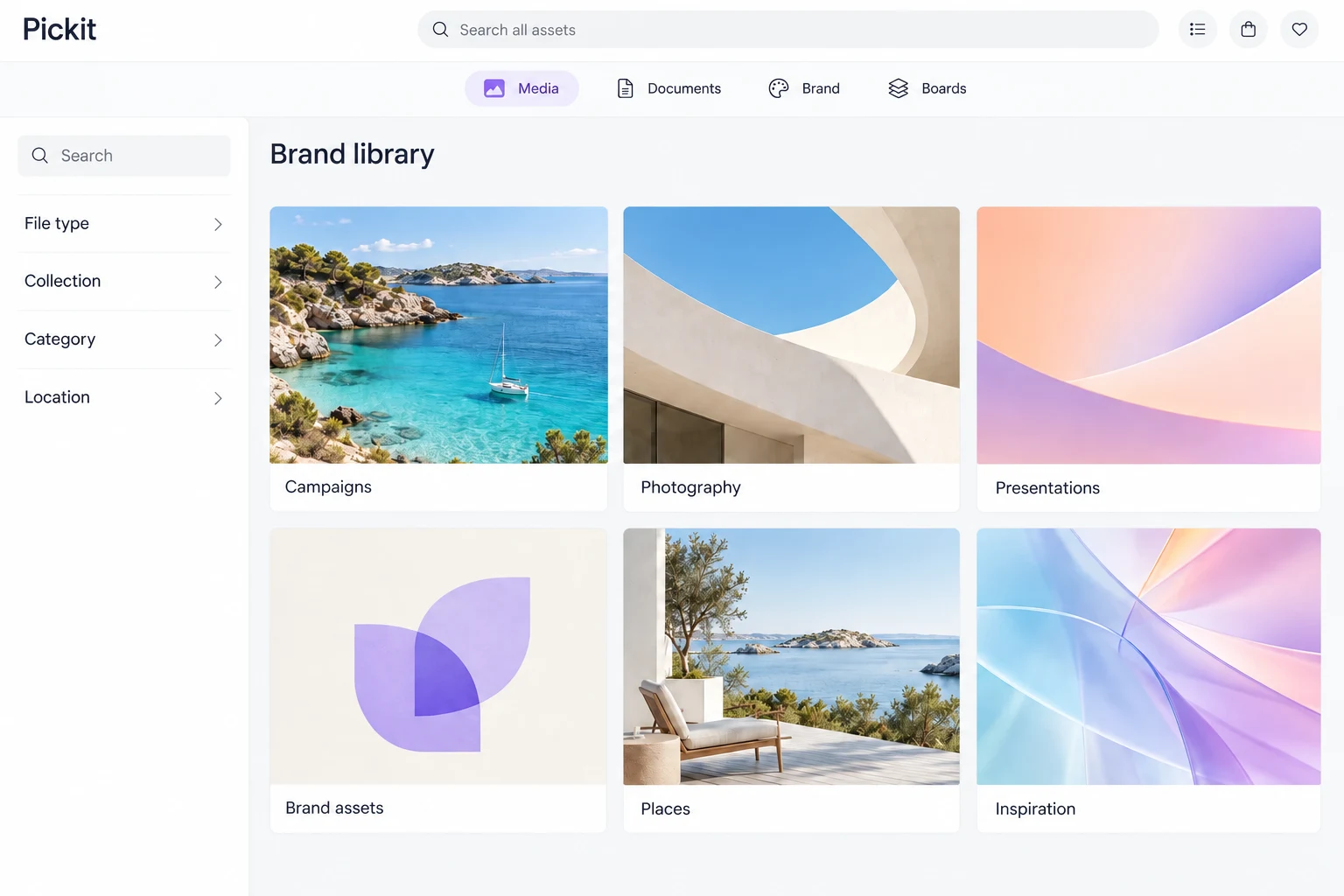
Group files into libraries and folders. Add names, descriptions and tags that help people find them.
Bring logos, colors and fonts together with brand guidelines. Show file usage information when someone chooses material.
Set which users and groups can see the content and who can maintain it.

PayEx’s CMO reports that users roughly halved the time spent creating presentations with Pickit.
Read the storyICA brought brand assets and templates into colleagues’ everyday presentation work, with help on deployment.
Read ICA's story
Haglöfs brought campaign material and guidance together for employees, partners and dealers.
Read the storyReview recorded searches, downloads and inserts alongside feedback from the people you want to reach. Improve the library around the tasks they need to complete.
Explore content analytics

Bring your maintained assets and brand guidance into ChatGPT, Claude and Microsoft Copilot. Find content available to your Pickit account, with source and usage information.
 Copilot
 ChatGPT
 Claude
Start with one audience and a useful task. Agree what success looks like and the content people need.
Organize the material, guide your admins and test the workflow with a small group in the tools they use.
Introduce the task with your own content. Plan follow-up around what people use, where they get stuck and what needs attention.
Not necessarily. Start with the workflow you need: presentation material for colleagues or campaign assets for partners. Manage the material in Pickit, bring selected content from supported sources, or combine both. Agree what stays in your existing systems, what comes into Pickit and who maintains the connection.
No. The available workflow can include desktop access, branded portals, supported Google apps and connected AI assistants. Choose the experience around your users and confirm its supported actions.
Start with one useful task and test the workflow with a small group. We help you introduce it with your own content, then plan follow-up around usage and feedback to see what needs improving.
Reach employees in their apps and partners through a branded content experience. Let’s find the useful starting point for your organization.